sqreen
EN
No account. No friction.
The QR is already on your screen. Open it.
Sqreen reads QR codes from screenshots, images and your clipboard—so you never need a second phone.


THE SIMPLE FIX
A tiny problem, solved properly.
QR codes appear in emails, PDFs and websites all the time. But when they’re on the phone you’re holding, the camera can’t help. Sqreen can.
Scan with your camera
The familiar way to read a QR in front of you.
Read from screenshots
Choose an image and let Sqreen find the code inside it.
Private by design
No account, no sign-up, and processing stays on your device.
HOW IT WORKS
Open a QR in three calm steps.
01
Open Sqreen
Launch it straight from your browser on iPhone or Android.
02
Scan, upload or paste
Use your camera, pick a screenshot, or read from your clipboard.
03
Open or copy
Go directly to the link or keep it ready to share when you need it.
COMING NEXT
No more dead QR codes.
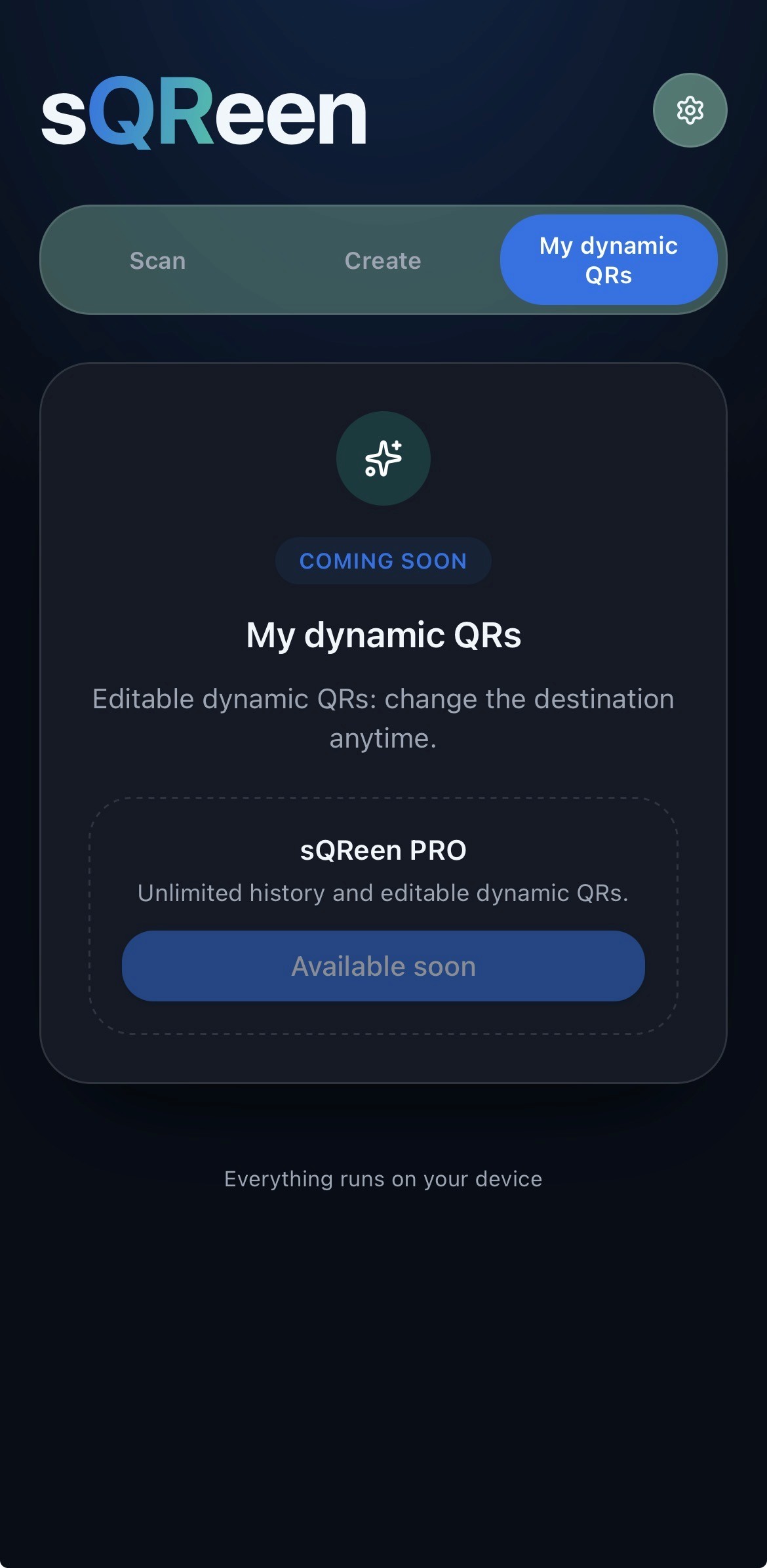
Sqreen Pro is being shaped around dynamic QR codes: create one, update its destination later, keep a gallery, and let the printed code keep working.
Built next with the community’s feedback.
PLANNED
Your QR, still yours.
Change where a QR goes without reprinting it. A simple home for the codes you create.
sqreen.app/q/forever
One link. Any phone.
Sqreen is a lightweight web app. Open it on iPhone or Android—no app store, no installation ritual.
Open Sqreen
FEEDBACK
Tell us what would make Sqreen better.
Leave a quick rating or a constructive note. You can add your name, or keep it anonymous.
sqreen.app
Scan what’s already on your screen.